
- advertising / sales support / broadcast & web graphics / corporate communications & training
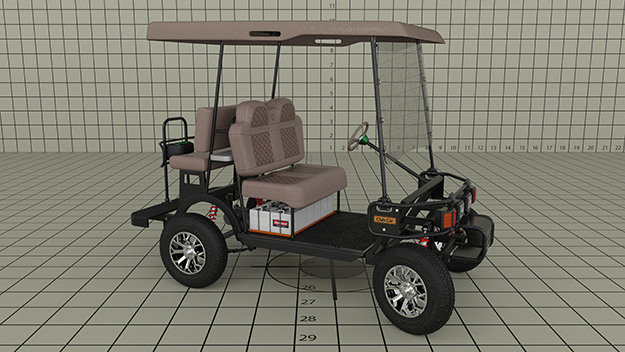
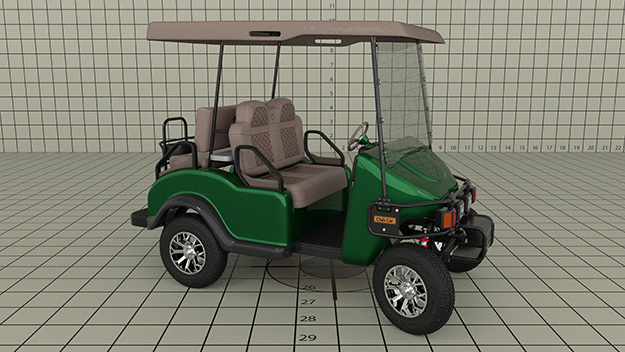
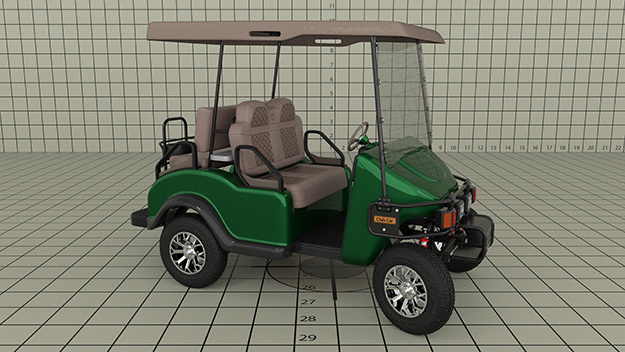
Golf cart 3D ModelTBA
Design notes:
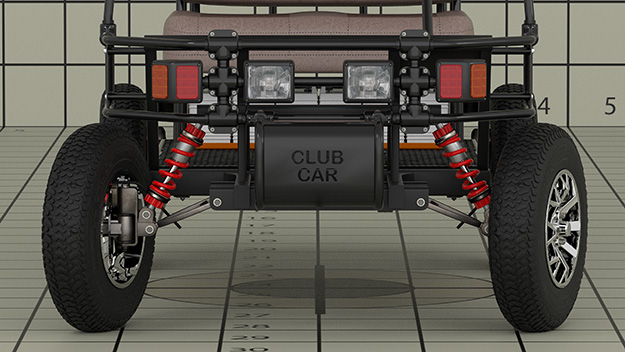
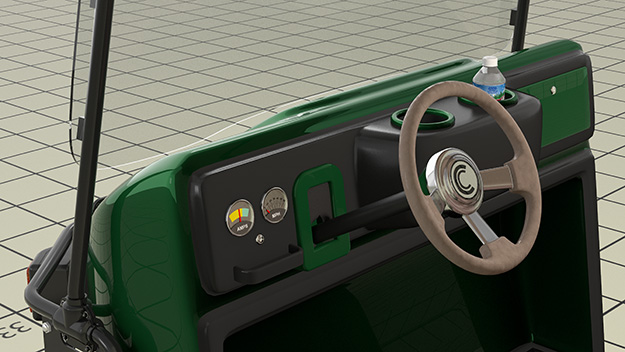
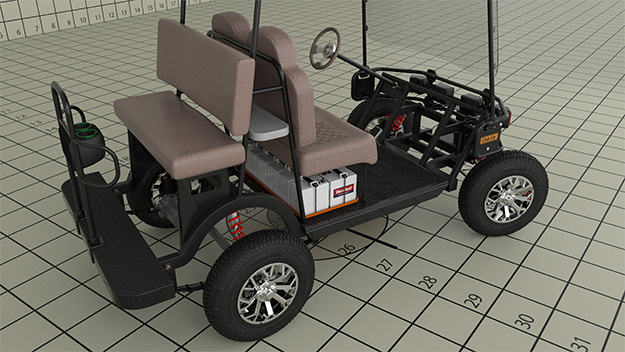
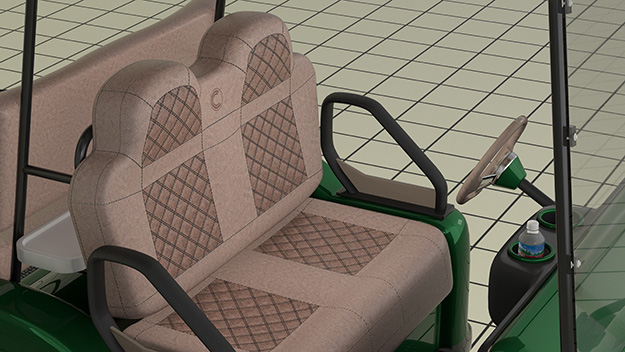
I originally created this model as a prop to include in renders of high end garage makeovers. I updated the model with a lot of detail in the frame, suspension, rims and tires. I also added a UV image map for the front seat with a leather bump texture and stitching. Added a video of my golf cart model on my standard testing background. I used multiple cameras to make the clip more interesting. I tried to use the Lightwave's Relativity Expression Module and the "Ask a Professor" wheel rotator to write an expression that spins the wheel over distance. But it didn't work! You can see that the golf cart changes direction, this made the wheels spin backwards... the expression couldn't handle the change in direction. I created a curve in modeler for the golf cart to follow and that worked fine. I thought that if I created the curve as a straight line, applied the wheel rotator expression to that, then bent the straight line with a morph that the wheel rotator would work properly... but I couldn't bend the curve with Lightwave's morph-mixer. So I used key frames and a little math (dia x pie) to calculate the circumference of the tire used the graph editor and the post key frame behavior (offset repeat)to keep the tire spinning. I don't have a specialized tool for creating UV's like 3D Coat or Adobe's Substance 3D Painter, I unwrapped the model with Lightwave's built in tools and create the image map in Photoshop. I kept getting pinching and stretching in the UV texture and eventually discovered that the underlying topology of the model itself is critical if fine detail like stitching in the image map is to lineup across polygons. Always build to scale... if the door in your 3D house model is the wrong dimension or the desk is to short or tall your mind will signal something is wrong! You'll notice the Golf Cart model has a model an Arrowhead water bottle. Because I build to scale I can drop the water bottle (from a previous project) into the cup holder and it will fit and look right.